Phomemo CLI
Node CLI, print server and browser client for the Phomemo mini printer


Overview
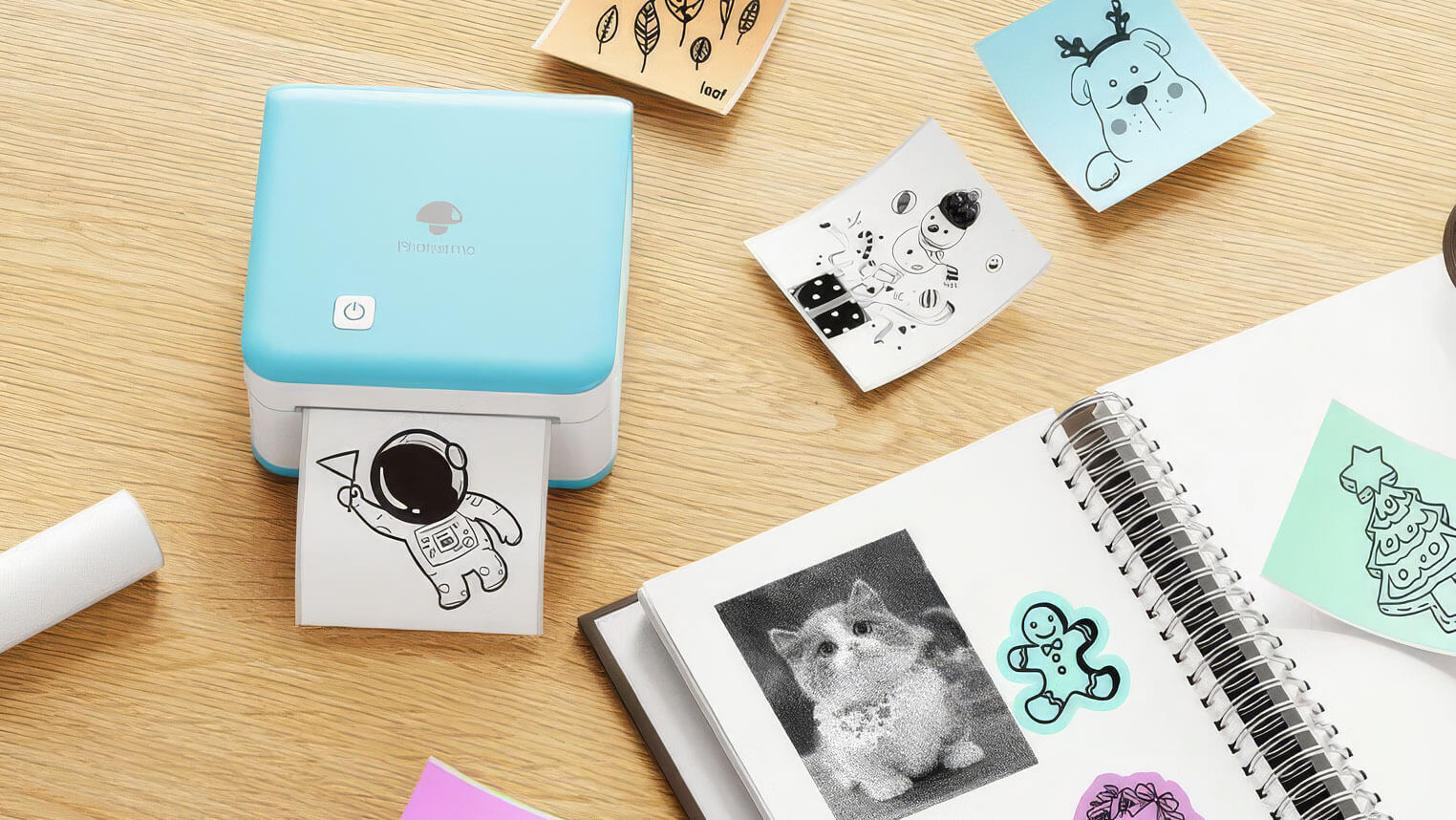
The pocket-sized Phomemo M02 is a portable, thermal printer perfect for labels, stickers, and quick prints.
Phomemo CLI is a Node.js package that enables printing via the terminal, a REST API, or Browser UI.
Usage
Start the script by running it from the terminal.
Depending on what parameters you pass, it will run in one of two modes:
- server – where you print files by selecting them from a web browser
- printer – where you print files one at a time from the terminal
Server Mode
Running in server mode is generally the most user-friendly experience:
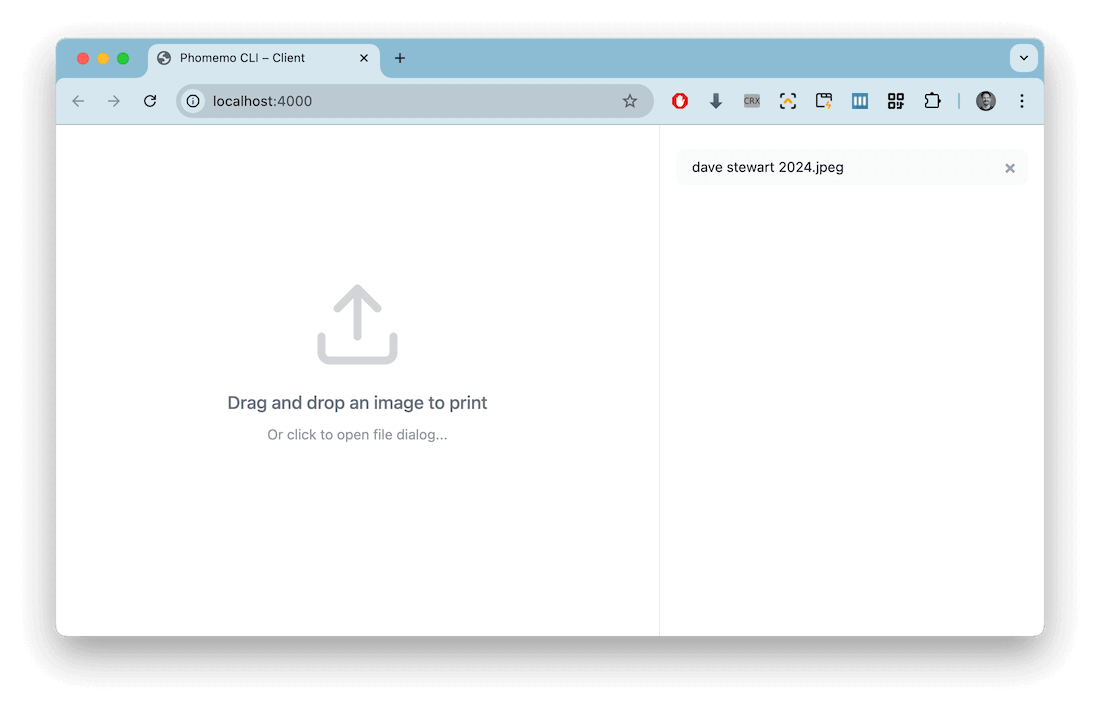
Start the server by running the following command:
node src --port 4000
You can drag and drop images from your desktop, re-print files, delete files, etc.
When the server is running, you can also POST images from other applications to print directly to the printer:
POST http://localhost:4000/print?scale=478&dither=1
Printer Mode
Printer mode lets you print via the terminal only:
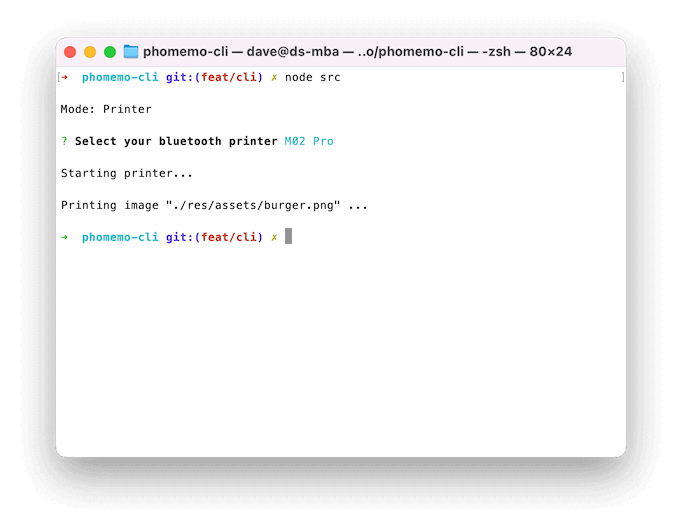
To print a single file, pass the --file parameter with a file path:
node src --file path/to/file.jpg
You can pass additional commands like so:
node src --file path/to/file.jpg --dither --debug
Full instructions are available in the README.
Use case
I built Phomemo CLI in order to complete a personal project, my Birthday Timeline Poster!
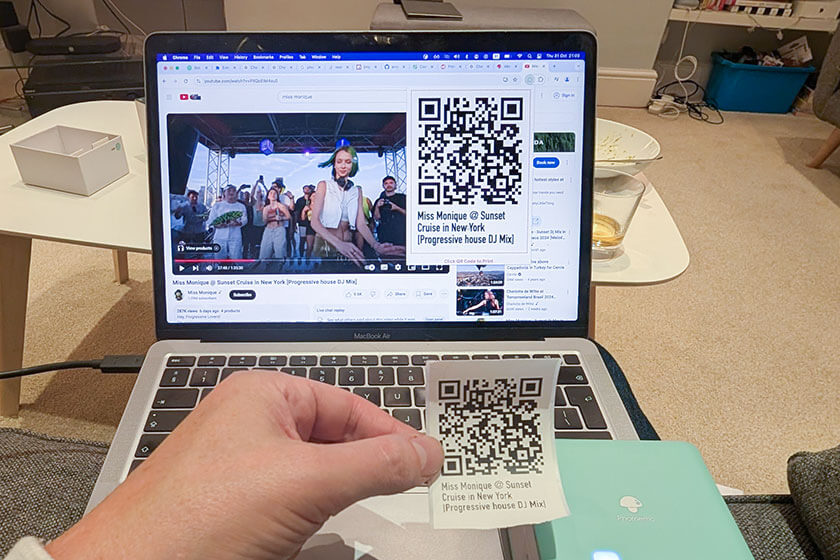
This project allowed me to print QR codes live at a significant birthday celebration, so folks could annotate a visual timeline with links to music, facebook posts, map references, or any other online resource.